Custom logo business card Nigeria
Order a SmartCard printed with your logo — your brand on the front, NFC chip inside. Delivered free across Nigeria.
A custom card isn't just aesthetic. Your logo on a card that taps to your profile is a brand touchpoint that actually does something.
SmartCards packs NFC chip, QR backup, 5 modes, built-in CRM, and 5GB Smart Drive into one card. Every feature is included at ₦30,000 — no add-ons, no tiers.
Free delivery across Nigeria. Works on iPhone and Android without an app. One payment, no subscription, lifetime updates.
NFC + QR — both work
SmartCards uses NFC chip and QR code backup. Every contact you meet, on any device, gets through.
Built-in CRM
Whoever taps your card can share their contact details back in seconds — you collect leads through a built-in contact exchange.
5GB Smart Drive
Store portfolios, documents, and media on your card. Share files without sending attachments.
pick a card
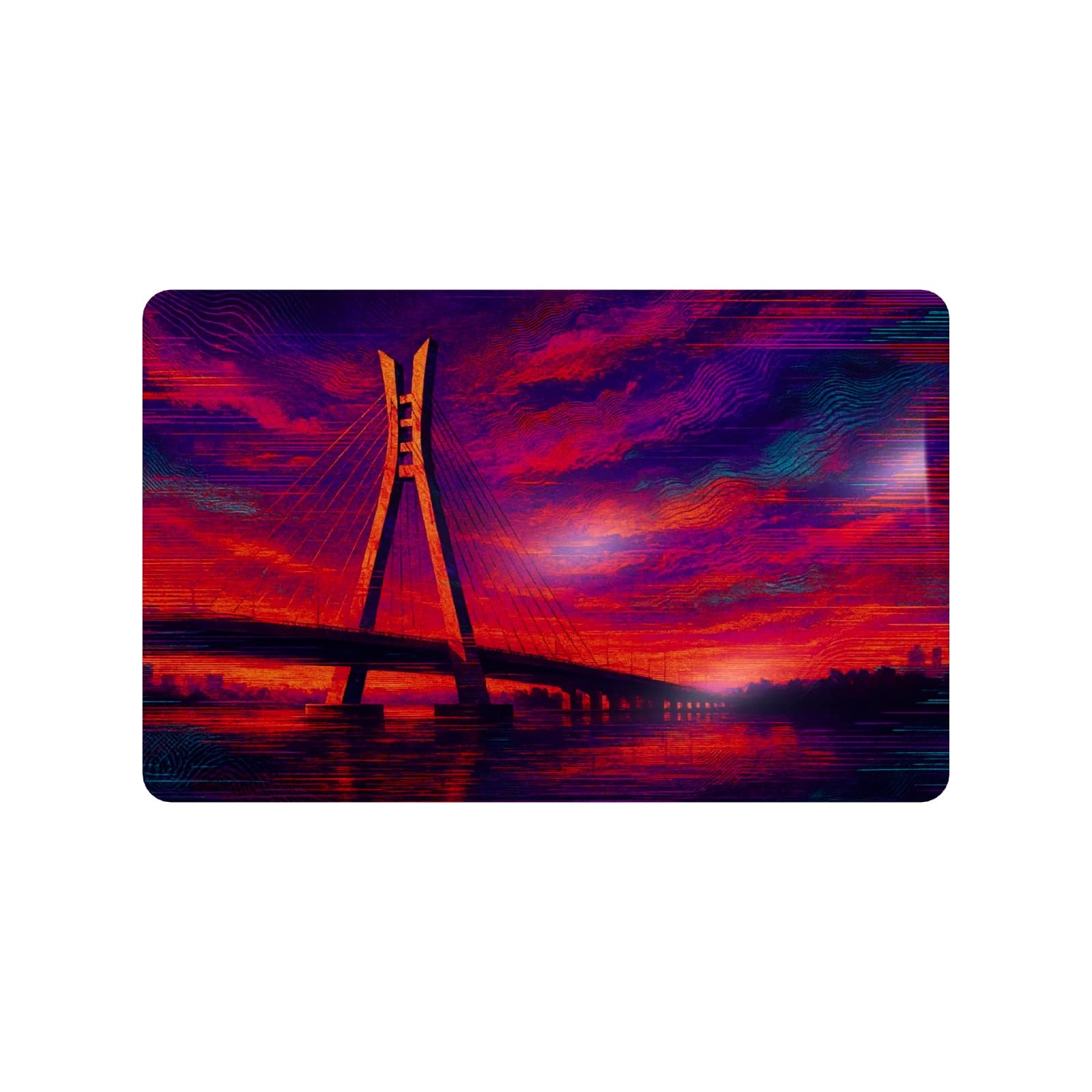
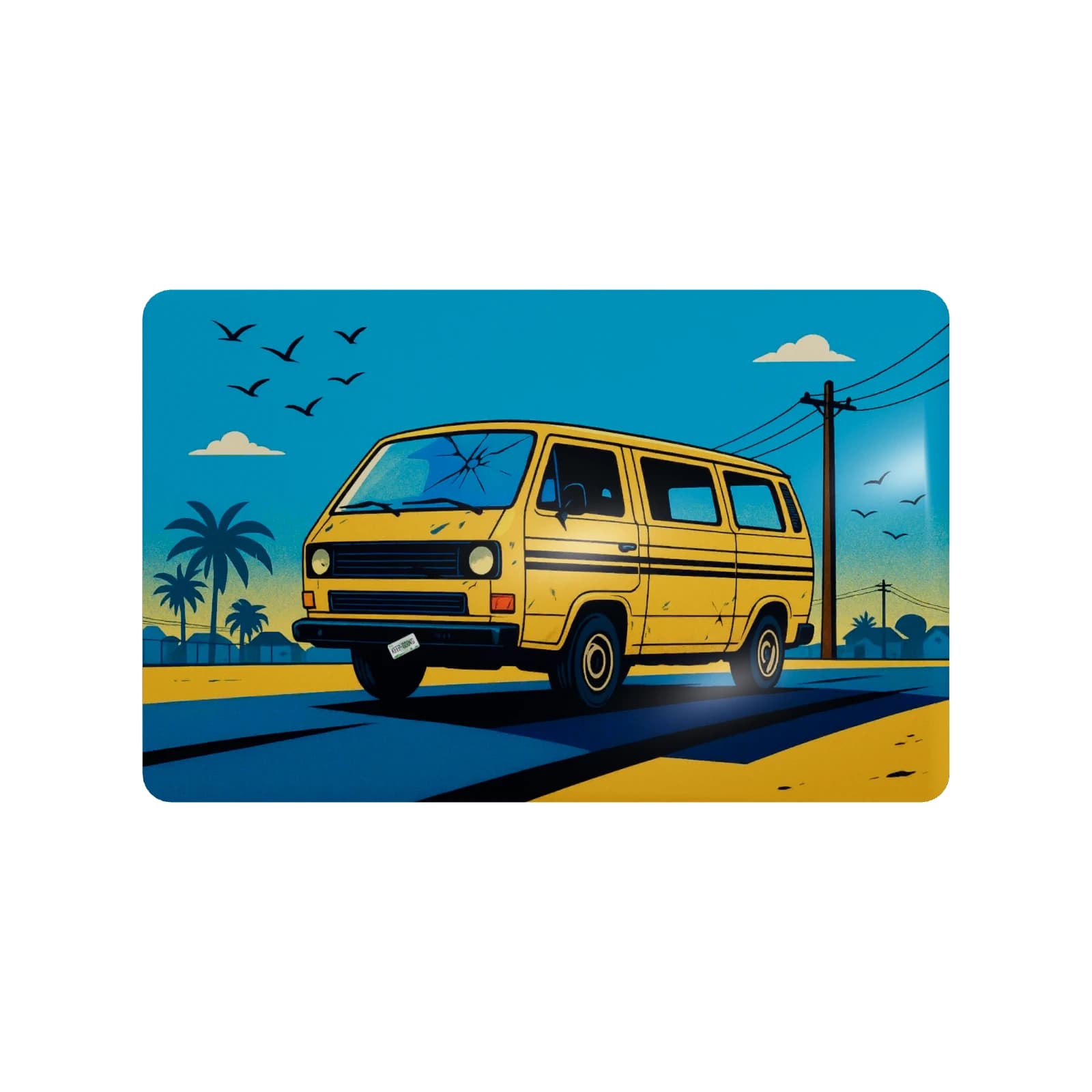
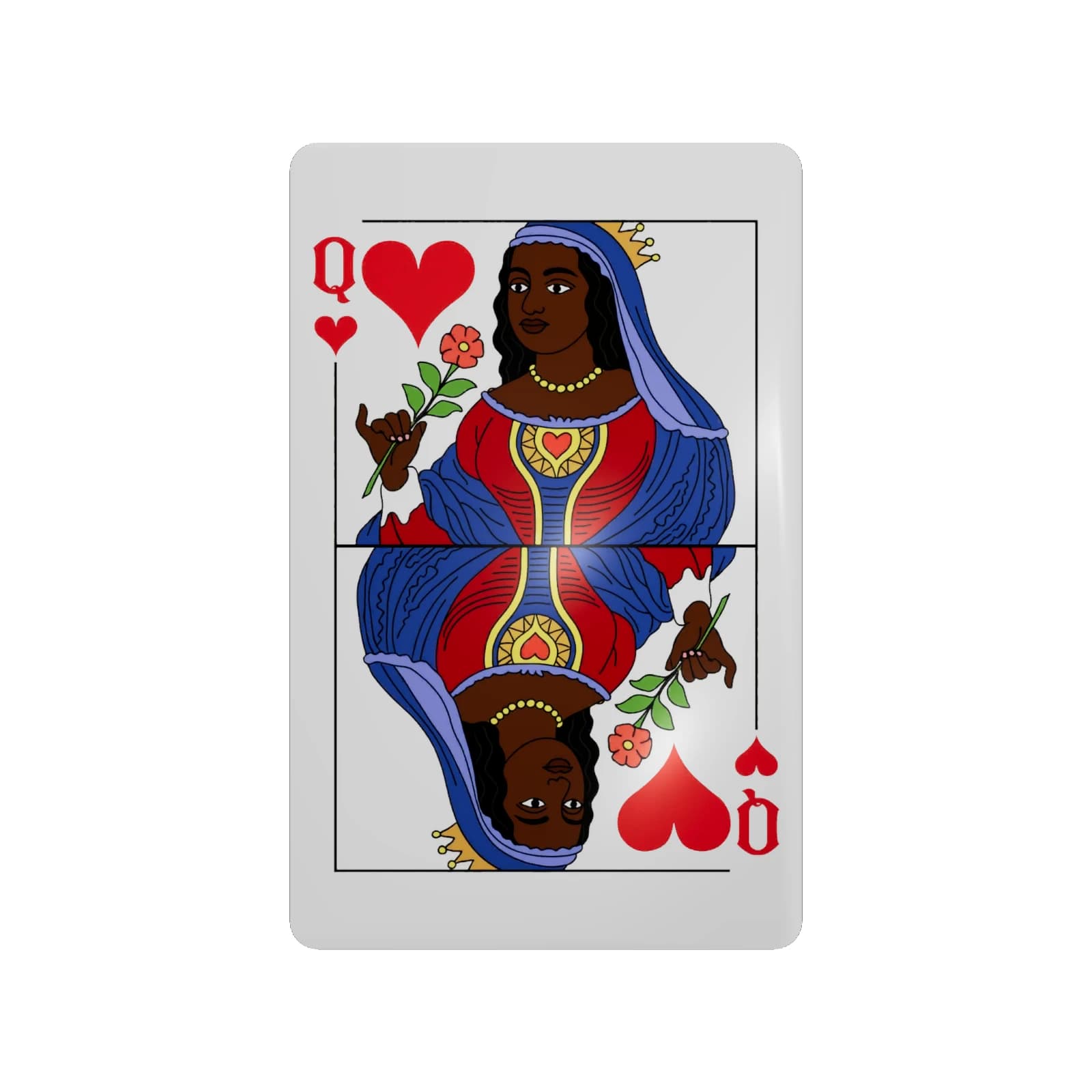
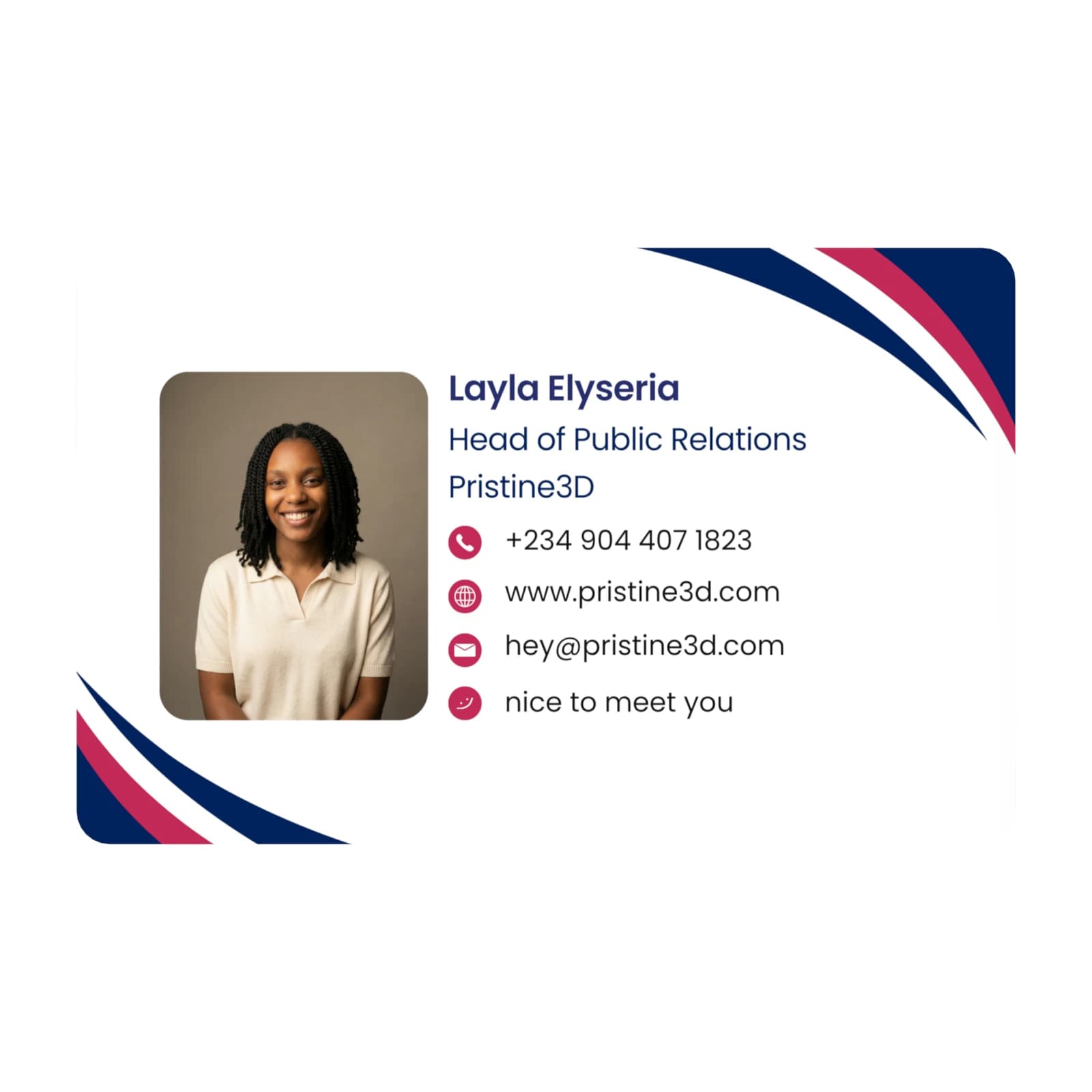
Buy once. Activate once. Update anytime.
One card, controlled from your account. Activate it once, then update your details, switch modes, and manage multiple cards whenever you need.
Managing a team?
You can keep multiple SmartCards under one account, with each card set up for a different person, role, link, or use case.
- 1
Order your SmartCard
Pick a premade design or create a custom card. Every card ships with NFC, QR backup, and a license key for activation.
- 2
Tap or scan to activate
When it arrives, tap the card with your phone or scan the QR code. It opens SmartCards so you can sign in or create your account.
- 3
Link it to your account
Enter the card ID and scratch-off license key included in the pack. This ties the physical card to your SmartCards account.
- 4
Choose what it should do
Set your first mode: business profile, payment info, emergency info, live note, or custom link. You can switch modes anytime.
- 5
Start sharing
Tap the card or let people scan the QR. They see your latest details instantly, and you can update everything later.
Common Questions
Everything you need to know about SmartCards